
Opening: why a framework helps retailers and users alike
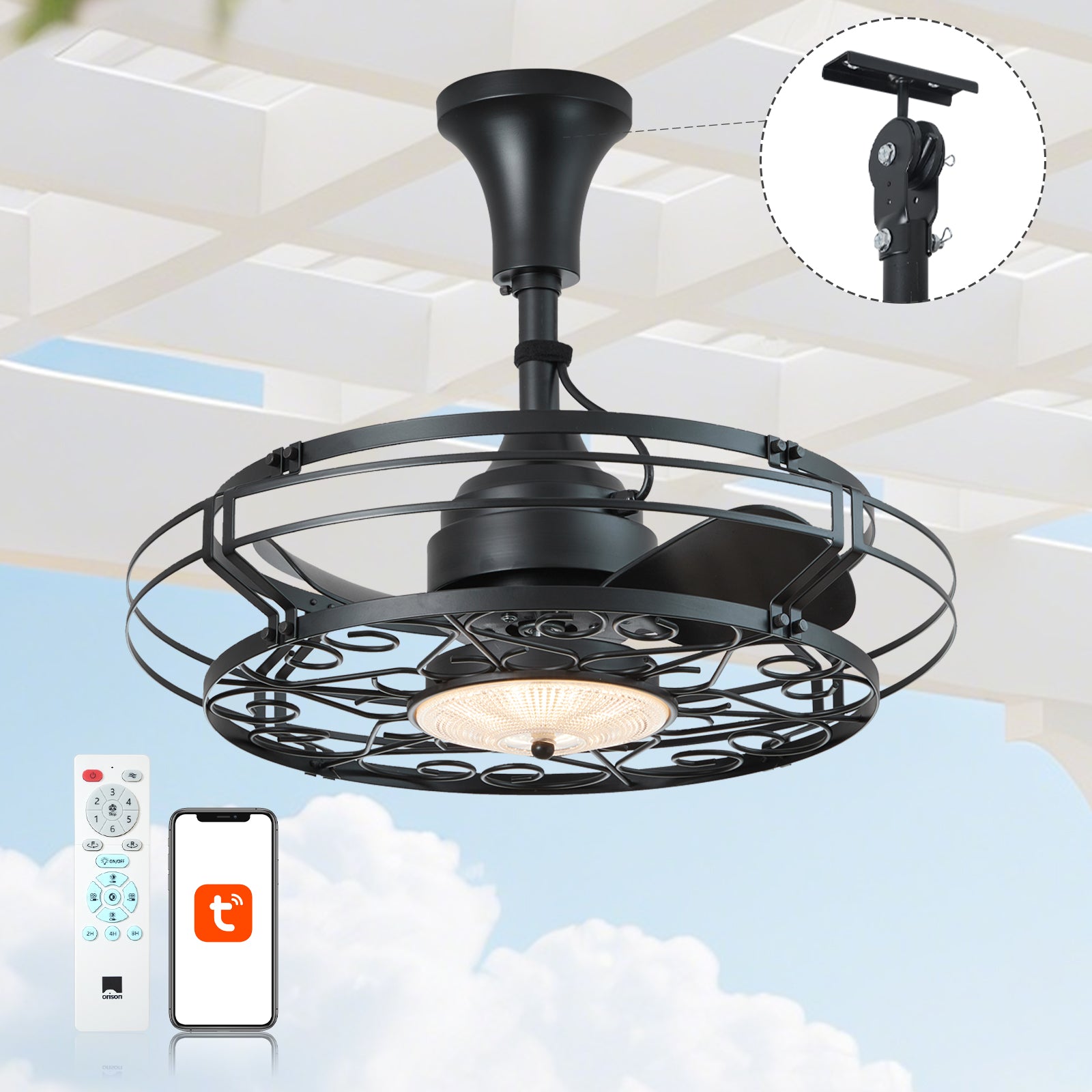
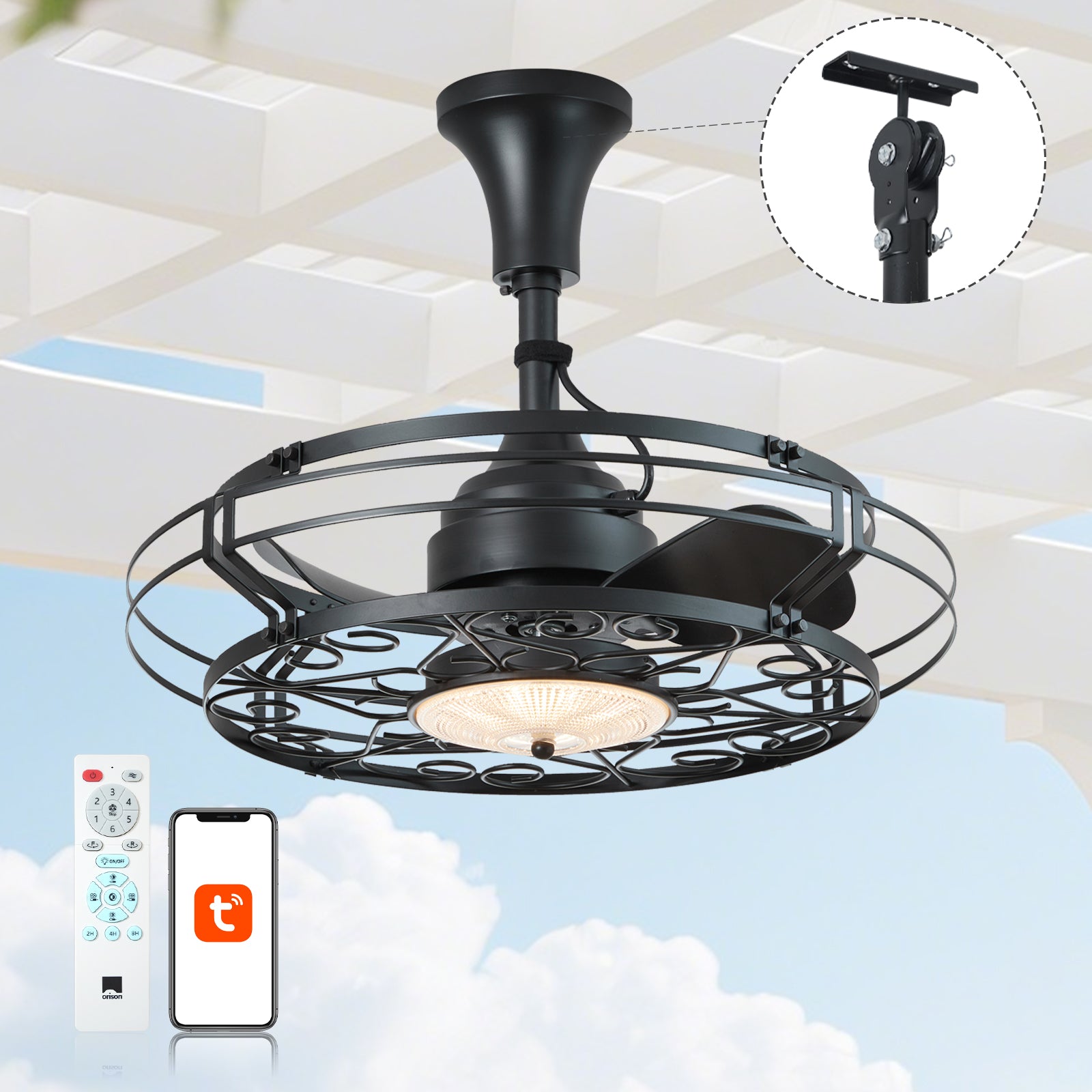
When you sell app-controlled ceiling fans, a clear automation framework converts a product promise into repeatable customer value. This piece outlines a structured approach so that retailers, product managers, and installers may define reliable automation rules for everything from indoor bedrooms to outdoor patio ceiling fans. The framework treats user scenarios, safety constraints, and energy outcomes as equal design inputs — thus reducing returns and improving reviews.
Step 1 — Define user scenarios and personas
Begin by cataloging real user needs: a homeowner who wants a cool reading nook at night; a café owner scheduling breeze for afternoons; or a builder specifying fixtures for a covered porch. For each persona, specify the primary goal (comfort, energy saving, or ambience), preferred control surface (app, wall switch, voice), and acceptable automation complexity. Mapping these scenarios early avoids over-featured apps that confuse users.
Step 2 — Establish trigger and rule types
Create a taxonomy of triggers (time-based, sensor-based, manual, geo-fence) and actions (speed change, light dim, scene activation). Time-based rules are simple and effective for retail customers; sensor-based rules — for example using temperature or occupancy sensors — deliver smarter energy outcomes. If you support Zigbee or Wi‑Fi integrations, clarify which triggers require local controller logic and which depend on cloud services to avoid latency surprises.
Step 3 — Safety, certification, and product ratings
Safety is non-negotiable. Ensure your rules respect device ratings: do not allow automation that runs a damp-rated or wet-rated fixture beyond its intended envelope. For instance, an exterior fan with light must not be automated to operate during severe storms, and rules should consider IP ratings and thermal limits. Please include interlocks to prevent overheating and to cut power when fault conditions are detected.
Step 4 — Energy and comfort balance (real-world anchor)
It is prudent to anchor automation goals in established guidance: U.S. Department of Energy materials note that ceiling fans allow occupants to feel comfortable at higher thermostat setpoints, yielding energy savings when used correctly. Use that principle to craft energy-focused automations — for example, increase fan speed during occupied hours and combine with modest thermostat setbacks. Include CFM and motor RPM considerations when recommending default speeds for different room sizes.
Step 5 — UX rules and explainability
Automation must be predictable. Provide clear labels (e.g., “Evening Cool — 50% speed, light 40%”) and an undo path. Show the reason a rule ran — time, presence, or temperature — so users trust the system. Avoid cascades where one automation triggers another without visible context; instead, use a priority model so the most important rule wins. This reduces confusion and decreases support ticket volume.
Step 6 — Implementation considerations for retailers
From an engineering standpoint, choose whether automations are executed locally or in the cloud. Local rules are faster and more robust during internet outages; cloud-enabled scenes offer richer integrations with external services. For hardware, factor in PWM control compatibility for fan speed and whether the integrated light supports dimming protocols. Also, provide a simple onboarding flow so first-time buyers can configure common presets in minutes.
Step 7 — Testing, QA, and common pitfalls
Test automations across common failure modes: network loss, sensor drift, and firmware rollback. Brands often err by assuming nominal conditions — and then find rules misfire in the field. A practical QA checklist: acceptance tests for each trigger type, stress tests for scheduled rules, and end-to-end user-acceptance with actual fans and fill-line conditions. Also watch for unintended interactions with manual wall switches — include a clear reconciliation strategy so the fan state remains coherent.
Deployment and measurement
Roll out automation features progressively: pilot with knowledgeable customers, collect telemetry on rule adoption and failure rates, then iterate. Measure energy impacts with coarse KPIs at first (runtime hours, average speed) and refine with sample-based metering if warranted. Use these insights to tune default presets and to reduce returns attributed to misunderstood behavior.

Common mistakes and quick remedies
Most teams stumble on three points: overspecified defaults, lack of transparency, and ignoring device limitations. Remedies are straightforward: offer conservative defaults, display clear explanations in the app, and embed device-specific constraints in the rule engine. A small but effective touch — provide a “preview” that simulates a rule for the next 24 hours — helps buyers understand impact before they commit.
Three golden rules for evaluating automation strategies
1) Reliability over richness: prefer automations that work offline and fail gracefully; measurable uptime and local execution are better than flashy cloud-only scenes. 2) Safety-first constraints: codify device ratings (damp/wet, IP, thermal) into the rule engine so marketing ambitions never override hardware limits. 3) Explainability and control: always show why an action occurred and provide a one-tap override so users feel in command — trust reduces returns and increases recurring use.
Closing advisory and brand alignment
Apply these three metrics when selecting product features or vendor integrations: operational reliability, embedded safety compliance, and user-facing transparency. When a brand gets these right, the result is lower support costs and higher customer satisfaction — and that alignment is precisely where Orison adds value as a partner in product design and deployment. Orison. —