

Executive snapshot
Clinics and laboratories face a straightforward decision: buy capacity or outsource it. The fastest path to internalizing restorative and appliance production is a reliable digital core—scanning, design, and an appropriate fabrication engine. For many practices that means evaluating a dedicated dental resin 3d printer, a choice I observed debated at IDS in Cologne where vendors and lab managers compared throughput and material certification side-by-side. This piece compares options objectively and tells you which variables move the needle for return and clinical quality.

What matters: the metrics that drive decisions
Prioritize measurable outputs. Throughput (finished parts per shift), marginal cost per unit (resin, support removal, post-cure), and first-pass yield determine short-term cash flow. Accuracy and fit correlate to fewer remakes and better clinical outcomes. Software compatibility and open file standards limit integration risk. Regulatory conformity and biocompatibility documentation protect liability. Score vendors by these criteria; a weak score in any one will undercut the rest.
Capital and operating cost comparison
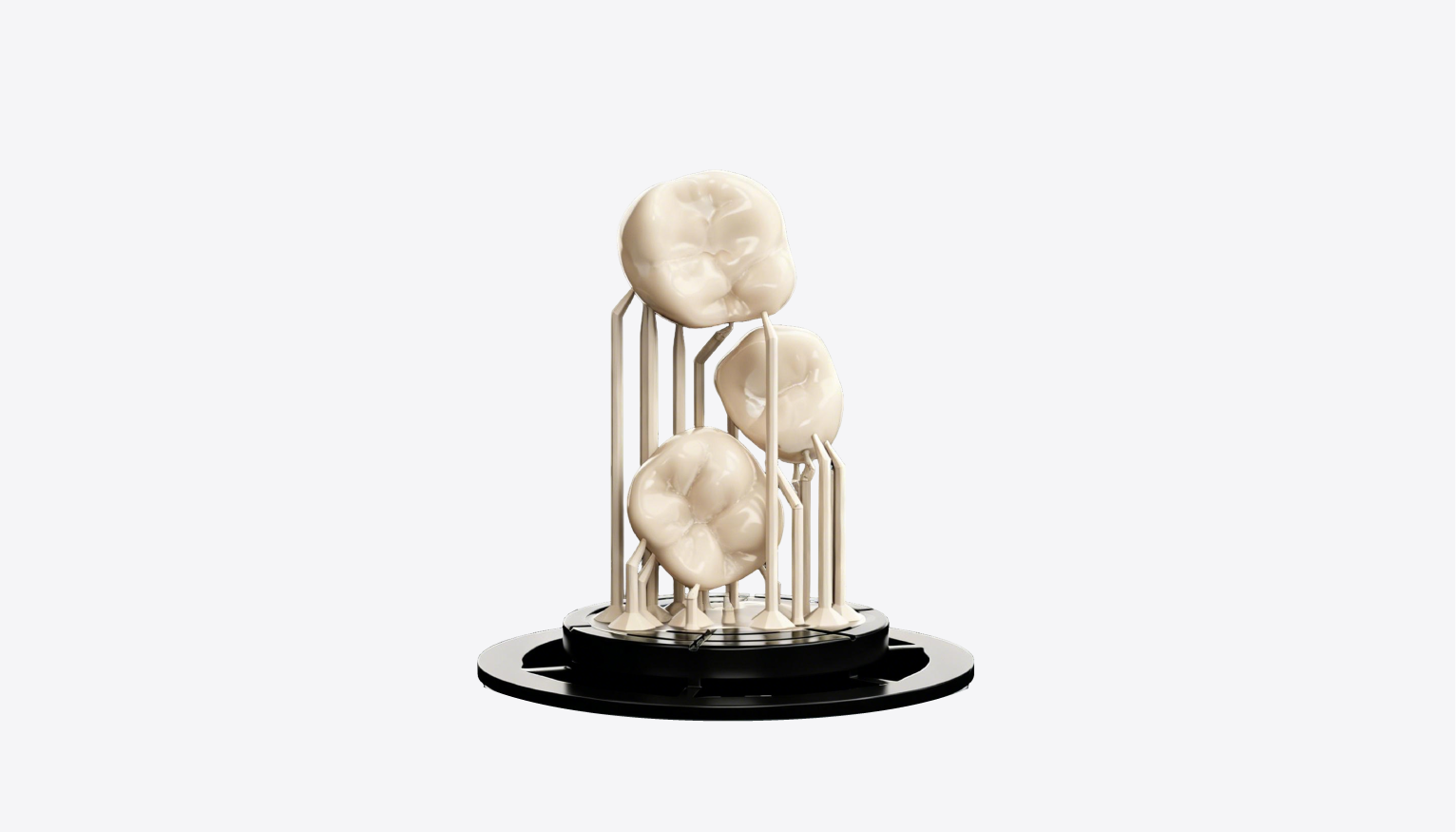
Upfront: 3D printers and milling machines can sit in a similar capex band depending on size and automation. Operationally, milling consumes discs and burs; 3D printing consumes resin and requires post-processing equipment. For small-batch, complex geometries and surgical guides, printers typically show lower marginal cost. For large-volume monolithic crowns or full-arch frameworks, high-speed milling may edge out on cycle time. Outsourcing shifts fixed capex to variable cost but adds lead time and reduces control.
Clinical fit and material trade-offs
Match material to indication. Temporary crowns, splints, and surgical guides tolerate certain resin chemistries; long-term restorations demand certified PMMA or hybrid ceramics and proven wear profiles. Post-processing—washing, support removal, and controlled UV curing—affects final properties. Ask for clinical data and FDA/CE documentation. If a system lacks clear material traceability, expect trouble with reimbursement and clinician acceptance.
Workflow and staffing impact
New equipment changes job roles. Scanning and design move upstream; finishing requires trained technicians. Common mistakes: underestimating post-process time, failing to schedule maintenance, and ignoring software updates that fix alignment or slicing errors. Plan for training cycles and cross-train existing staff rather than hiring immediately. Integration with practice-management software reduces friction and protects throughput.
Alternatives and realistic trade-offs
Options: full in-house digital suites, hybrid models (scan/design in-house, outsource fabrication), and pure outsourcing. Full in-house gives control and margin but increases managerial burden. Hybrid reduces capital while keeping turnaround fast for priority cases. Outsourcing minimizes operational complexity but costs more per case and limits responsiveness. Evaluate by case mix: if your clinic does many same-day provisional and surgical-guide cases, in-house printing generally pays back faster.
Decision framework
Score your needs across five axes: volume, case complexity, margin per case, tolerance for lead time, and regulatory/quality requirements. Weight volume and margin heaviest. A simple test: if projected annual parts exceed break-even of printer plus consumables within 18–24 months, proceed to purchase; otherwise pilot hybrid workflows. Insist on vendor demos with your STL files and a clear service + consumable agreement.
Conclusion
Compare capabilities, not features. Choose the fabrication route that matches your case mix and cash constraints, mitigate common operational mistakes, and insist on validated materials and workflow demos. For clinics and labs that need in-house precision, consistency, and predictable margins, the right digital stack—scanning, design, and dependable hardware—resolves trade-offs cleanly, as reflected in practical deployments by SHINING 3D DENTAL.