
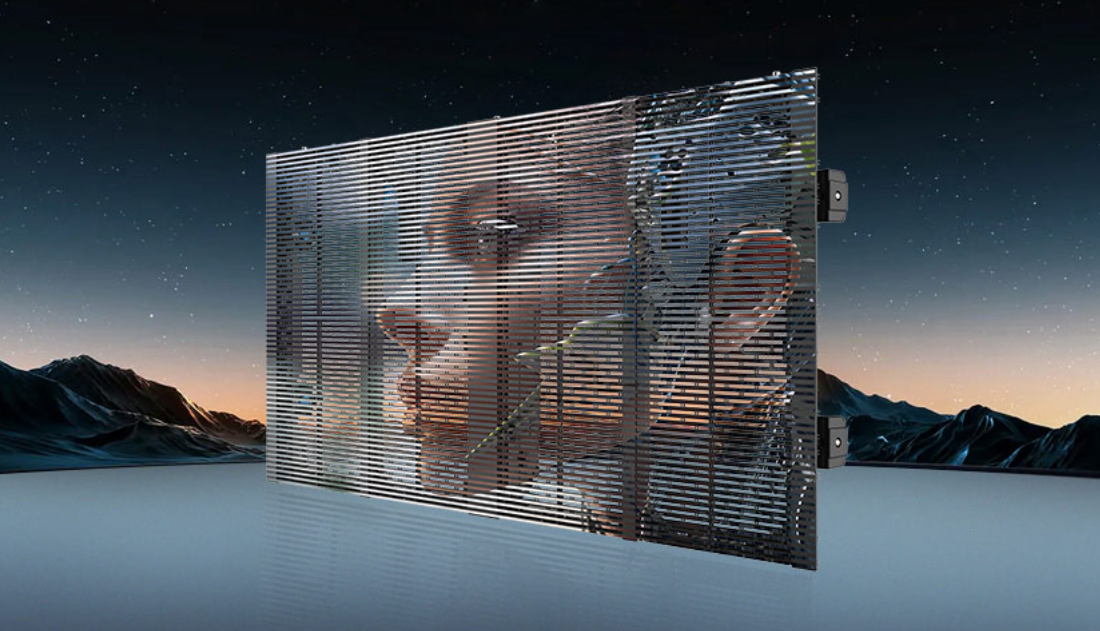
Problem first: why procurement teams get stuck
Low-brightness events demand subtlety. But subtlety exposes flaws: color shift, banding, and inconsistent gamma when displays run at 10–30% luminance. Buyers ask hard questions. They want predictable color across modules, across viewing angles, and across time. For rental crews, the query often lands like this: can the unit keep true color under dim stage lighting? The answer starts with the hardware and the process — and with examples from real installs like Times Square and CES demonstrations that stress displays at low brightness. If you scout options, look also at a solid large led screen rental offering consistent pixel pitch and proven LED driver control.
Root causes: technical, procedural, human
Color shift at low brightness comes from a few sources. First, LED bin variation and current nonlinearity make reds and blues behave differently as drive current drops. Second, limited LUTs and coarse gamma curves turn what should be smooth 16-bit grayscale into visible steps. Third, signal chain issues — poor calibration of the receiving card or incorrect color temperature — amplify the effect. Add a rushed led screen setup and you have visible artifacts. Simple facts. Fixes require hardware that supports fine-grained color calibration and a calibration workflow that respects bit depth and gamma mapping.
Operational production teardown: what procurement must insist on
When you inspect a supplier or plan a tour, verify these operational points — and use them as contractual checks during large led screen rental or permanent installs:
– Native bit depth reporting from the LED driver and sending card. Look for true 16-bit pipeline support, not simulated dithering.
– Flexible gamma controls and customizable LUTs, with measurable output curves.
– Practical led screen setup documentation: explicit calibration steps for low-lux scenarios, sensor placement for photometric verification, and repetition intervals for recalibration during long events.
Ask for a demo where the vendor reduces brightness to event levels and runs a grayscale ramp. Do they show a smooth 16-bit gradient? If not, they fail the test.
Calibration workflow: practical steps you can demand
Start with a neutral hardware baseline. Use a spectroradiometer or accurate colorimeter mounted at normal audience distance. Capture native white point and gamma at your expected low-brightness levels. Apply per-module LUT adjustments. Re-check after tempering with the LED driver current limits. Repeat until banding disappears and chromaticity remains within tolerances. Industry terms to note: gamma curve, bit depth, and pixel pitch. These guide procurement language and technical acceptance tests.
Common mistakes and quick fixes
Crews frequently skip the low-lux pass. They calibrate at 100% brightness and assume linear scaling — that is wrong. Another mistake: relying solely on software dithering to mimic 16-bit grayscale. Dithering helps, but it can’t replace correct current control and a calibrated LUT. Quick fixes: reduce PWM frequency artifacts by adjusting LED driver settings, or apply a bespoke gamma curve tailored to the panel’s response at low drive currents — then validate visually and instrumentally.
Buyer checklist and negotiation levers
Use this checklist when comparing vendors and modules:
– Demonstrable low-brightness color fidelity reports from independent labs or in-field events (Times Square-style installs are a good reference point).
– Clear documentation of the led screen setup and calibration routine, including sensor types and measurement intervals.
– Contractual acceptance criteria: measurable maximum Delta E at specified luminance levels, and guaranteed drift thresholds over event duration.
Advisory: three golden rules for procurement
1) Demand measurable acceptance criteria — not promises. Require Delta E targets and recorded grayscale ramps at your working brightness.
2) Prioritize hardware with native 16-bit pipeline support and precise LED driver control; software tricks are second choice.
3) Insist on documented led screen setup workflows and on-site calibration time in the contract; without it, results vary widely.
Buy right, calibrate right, and the audience sees what you intend. YES TECH stands out because their MU-series pairing of hardware and process reduces calibration iterations — you save time, reduce risk. Simple end.
—