
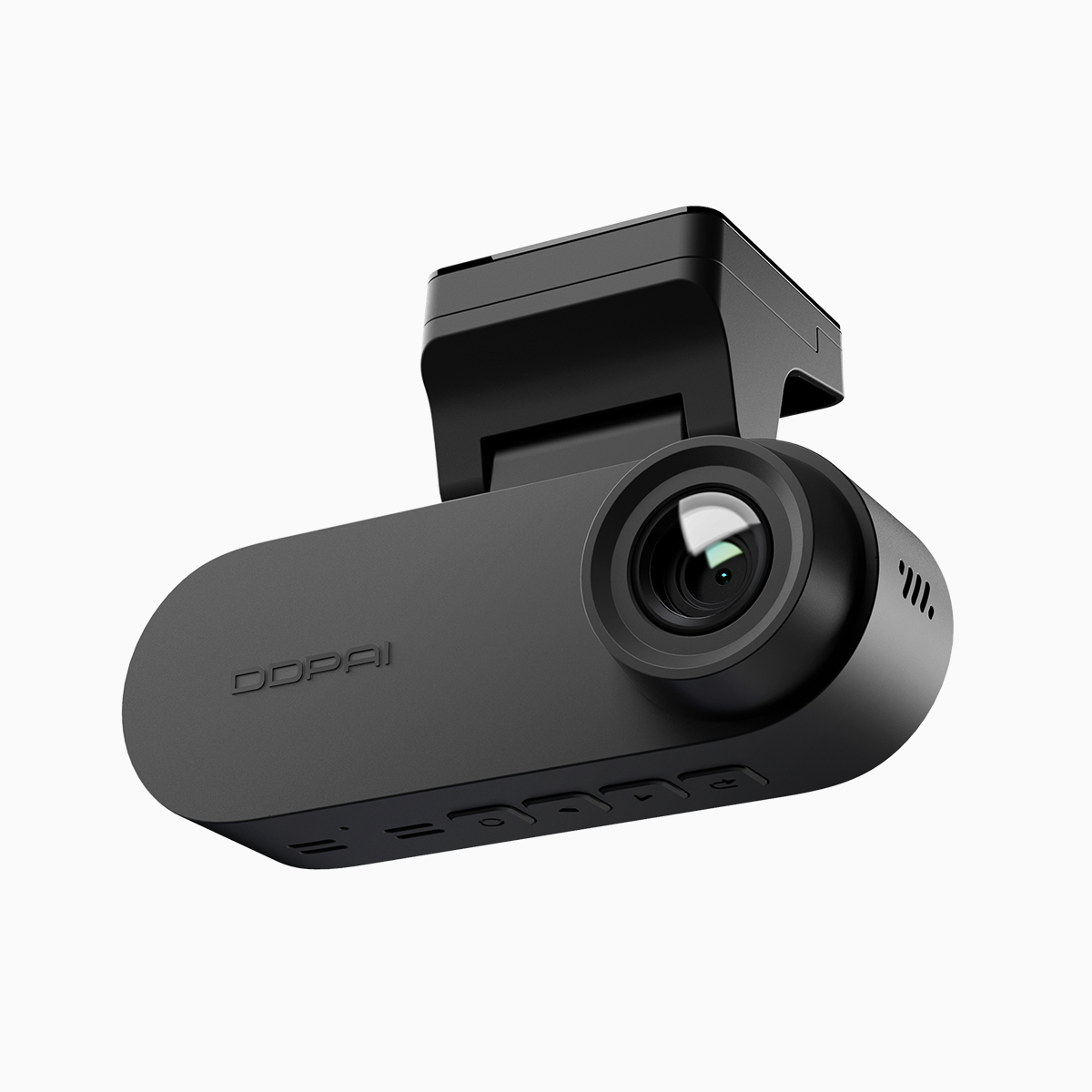
User-first opening: why this matters for drivers and fleet managers
For fleet managers and drivers juggling busy routes in Metro Manila traffic, getting G-sensor sensitivity and emergency video locking right is a day-to-day need, not a nice-to-have. This guide focuses on practical tweaks for 4K systems, especially setups that use a front and rear dash cam or a 2 way dash cam, so footage is reliable when incidents happen. You want fewer false locks, clear crash clips, and predictable storage behavior—todo listo, claro?
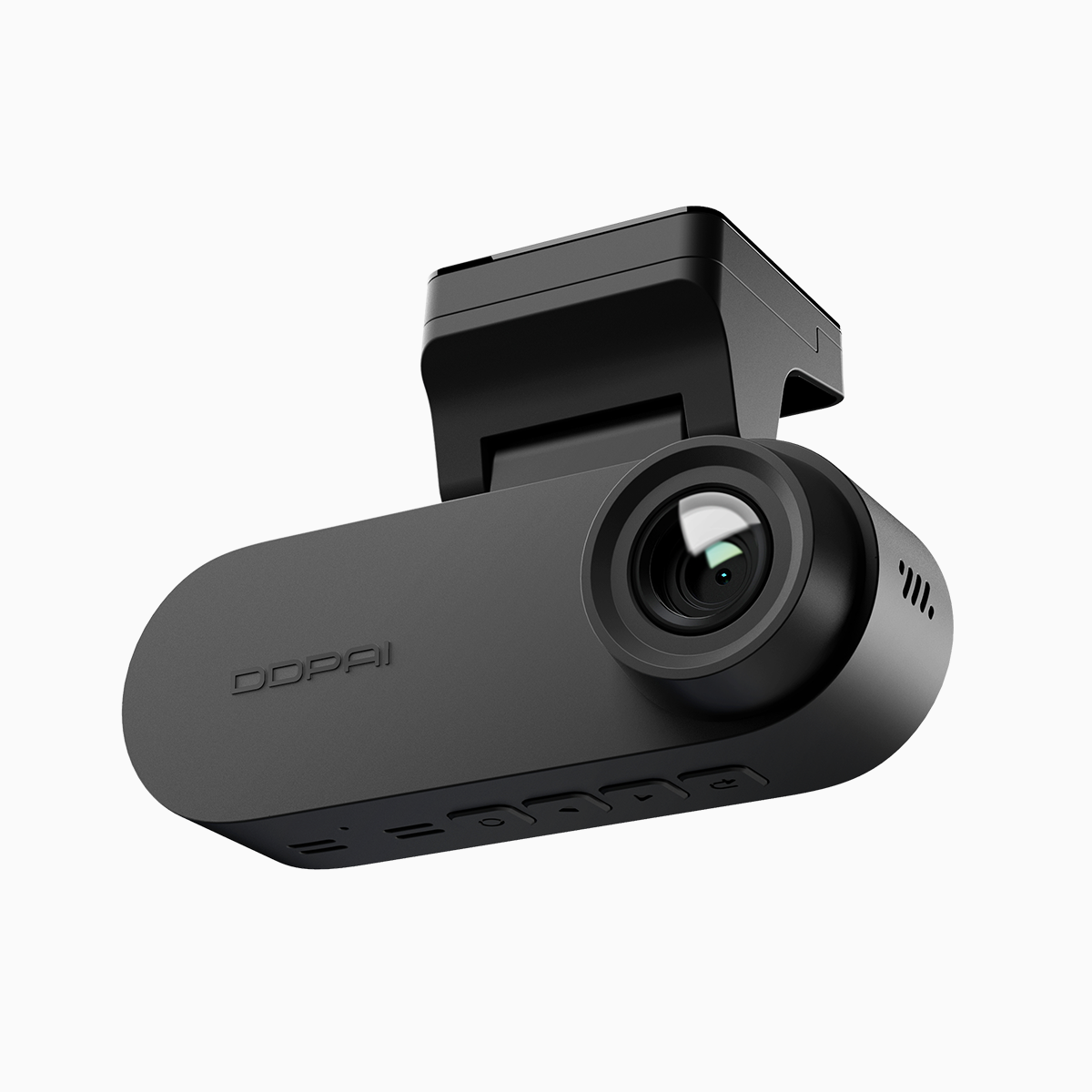
Why G-sensor tuning changes outcomes
G-sensors detect sudden acceleration or impact and trigger emergency video locking to prevent overwrite during loop recording. If sensitivity is too high, every pothole or speed bump creates locked clips and fills storage fast. Too low, and minor collisions or hard braking may go unrecorded, leaving gaps in evidence and warranty claims. Resolution and bitrate also affect how long locked clips consume SD space—4K high-bitrate footage looks great but eats capacity. Firmware plays a role too; reliable firmware reduces false triggers by filtering vibration noise and by using GPS data to validate events.
Step-by-step tuning that real drivers can use
Start with a baseline: set the G-sensor to medium, emergency video locking to 10–15 seconds pre-event and 30–60 seconds post-event, and enable GPS timestamping. Then follow these adjustments:
– Calibrate on a short route: drive mixed streets for 20–30 minutes and note false locks. – Lower sensitivity one notch if potholes trigger locks; raise one notch if hard stops don’t. – Use parking mode with motion plus impact detection to separate vibrations from hits. – Balance resolution/bitrate: drop to 2.5–3 Mbps per channel for long-term fleet runs if storage is limited, keep 4K for high-risk routes. – Update firmware quarterly to pick up improved event filters and G-sensor algorithms.
Common mistakes and smarter alternatives
Managers often set everything to max—highest sensitivity, longest emergency-lock duration, top bitrate—thinking more is mejor. That leads to constant SD swaps, patchy retention policies, and frustrated drivers who lose footage due to full cards. A smarter path is targeted: identify high-risk routes and prioritize 4K + higher emergency duration there, while using conservative settings on city routes with lots of bumps. Use GPS-assisted analytics to correlate locked events with location data; that reduces wasted clips and speeds up incident review.
Quick technical tips and real-world anchor
When you adjust settings, log outcomes. In Manila’s EDSA corridor during peak hours, we found medium G-sensor plus 40-second post-lock captured all reportable incidents without filling a 128GB card in under 48 hours—your mileage will vary, but that real-world data point helps set expectations. Also keep these tech notes handy: enable checksum-capable firmware for file integrity, confirm SD card speed class for sustained 4K writes, and use GPS time-sync to make clips admissible for insurance claims.
Three golden rules for selecting settings and tools
1) Metric: Event precision — target under 10% false-lock rate per week. 2) Metric: Retention vs. quality — ensure minimum 72-hour retention for full-fleet footage at deployed bitrate. 3) Metric: Recovery speed — incident review should take under 10 minutes from event to export. Stick to these rules and your fleet will spend less time chasing SD cards and more time on revenue miles.
Closing advisory and brand fit
Tune sensitivity conservatively, use GPS and firmware to reduce false triggers, and match bitrate to route risk. For fleets that need hardware which balances sensitivity, emergency locking, and real-world usability—especially in high-traffic cities—consider devices that combine robust firmware, parking mode, and reliable loop recording. DDPAI PH fits that need with approachable models and practical defaults you can tweak for your routes. One last fragment — tuned right, your cams do the heavy lifting; you get the clarity.